
Ram Heavy Duty Forum
You are using an out of date browser. It may not display this or other websites correctly.
You should upgrade or use an alternative browser.
You should upgrade or use an alternative browser.
UConnect 5 OTA update to S23.13
- Thread starter sfort
- Start date


Uabmedic200
New Member
- Messages
- 10
- Reaction score
- 2
- Points
- 3
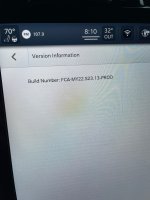
I’m currently at FCA-MY22.S2 1D.5-PROD.
I have yet to see any update whatsoever at any point since I drove it off the lot 2 months ago. And as instructed, I have it connected to both wifi at home and work for the mythical update fairy to drop in while the truck is off.
Sent from my iPhone using Tapatalk
I have yet to see any update whatsoever at any point since I drove it off the lot 2 months ago. And as instructed, I have it connected to both wifi at home and work for the mythical update fairy to drop in while the truck is off.
Sent from my iPhone using Tapatalk

Uabmedic200
New Member
- Messages
- 10
- Reaction score
- 2
- Points
- 3
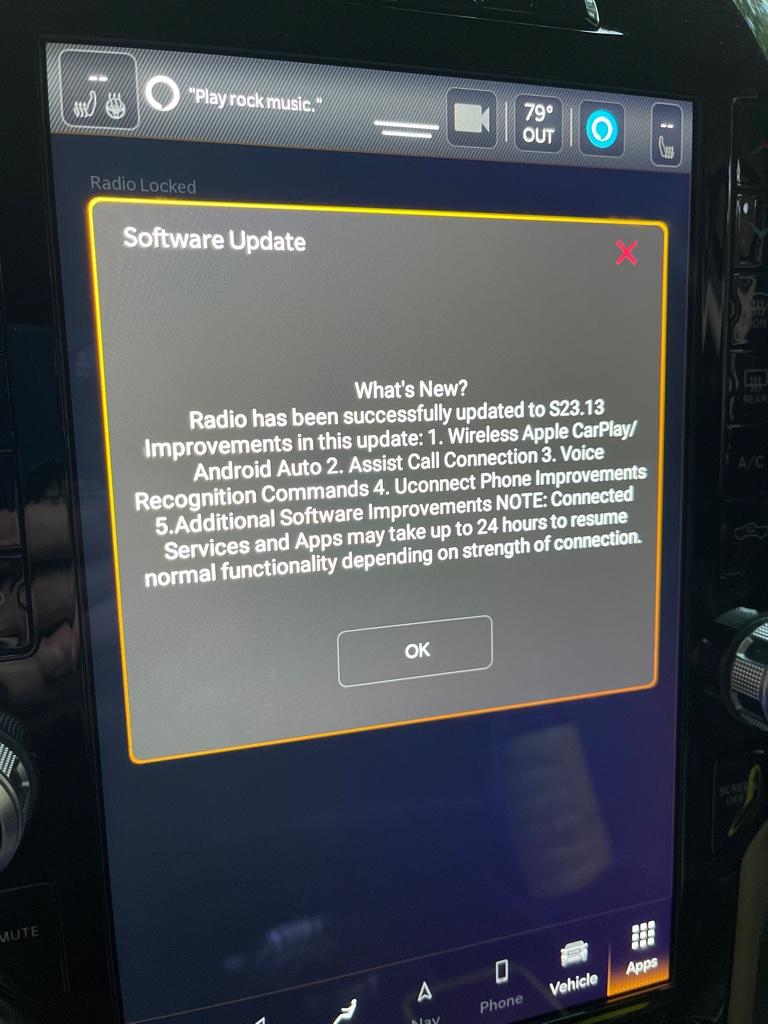
Well I guess my Uconnect heard me talking about it. Just pulled up at home from a 20 minute drive from work and got a notification pop up stating it’s ready to update. I’ll post back any noticeable changes.
Sent from my iPhone using Tapatalk
Sent from my iPhone using Tapatalk


toyboy1980
Member
- Messages
- 85
- Reaction score
- 69
- Points
- 18
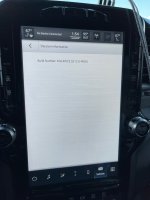
Mine went to S23.13 today while I was at lunch. Came out and had the update.
 .
. 
You are 4 updates behind. Here’s the newest update if you want to do it yourself.Picked my truck up in December. Still no updates.
View attachment 44608
Sent from my iPhone using Tapatalk
4-16GB usb formatted to fat32. Do not unzip anything, just put the whole zipped file onto the usb, and plug it in.
UCONNECT_R1HIGH_S26.15_MY22.zip
 drive.google.com

tolym
Well-Known Member
- Messages
- 359
- Reaction score
- 774
- Points
- 93
You are 4 updates behind. Here’s the newest update if you want to do it yourself.
4-16GB usb formatted to fat32. Do not unzip anything, just put the whole zipped file onto the usb, and plug it in.
UCONNECT_R1HIGH_S26.15_MY22.zip
Thank you sir. Will give it a shot.
Sent from my iPhone using Tapatalk
tolym
Well-Known Member
- Messages
- 359
- Reaction score
- 774
- Points
- 93
You are 4 updates behind. Here’s the newest update if you want to do it yourself.
4-16GB usb formatted to fat32. Do not unzip anything, just put the whole zipped file onto the usb, and plug it in.
UCONNECT_R1HIGH_S26.15_MY22.zip
Which usb? In the center console or under the unit next to the usb-c ports?
Sent from my iPhone using Tapatalk
Under the radio next to the usb c ports.Which usb? In the center console or under the unit next to the usb-c ports?
Sent from my iPhone using Tapatalk
Sure, no problem.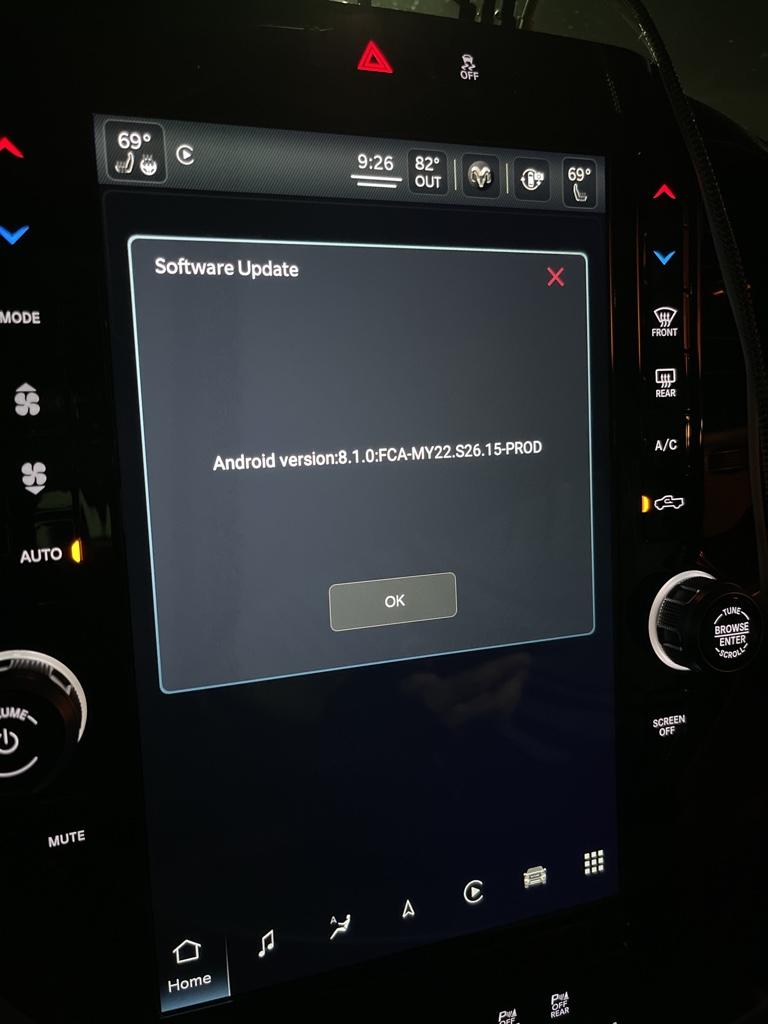
Thank you sir. I’m updated. Hopefully that gets rid of some of my black screens.
Can I share that link in our 5th Gen Cummins group?
Sent from my iPhone using Tapatalk
tolym
Well-Known Member
- Messages
- 359
- Reaction score
- 774
- Points
- 93
Sure, no problem.
Hey, some guys in the group are asking for UC4 latest update, do you have that one too by any chance? Just trying to help some members out.
Thank you sir.
Sent from my iPhone using Tapatalk
Here’s the latest for UC4 12” only. UC4 updates need to be unzipped.Hey, some guys in the group are asking for UC4 latest update, do you have that one too by any chance? Just trying to help some members out.
Thank you sir.
Sent from my iPhone using Tapatalk
UCONNECT_12.1_UAX_PR39.9_SBX_DT_DJ_D2_DP_DD_MY19-21.zip
drive.google.com

Blairw66
New Member
- Messages
- 4
- Reaction score
- 0
- Points
- 1
Downloaded your file to a 4GB drive and plugged in to USB port under screen, turn on ignition.. nothing happens? What step am i missing here?Under the radio next to the usb c ports.
tolym
Well-Known Member
- Messages
- 359
- Reaction score
- 774
- Points
- 93
Downloaded your file to a 4GB drive and plugged in to USB port under screen, turn on ignition.. nothing happens? What step am i missing here?
Did you format the drive to Fat32?
I started the truck then inserted the drive into the usb.
Sent from my iPhone using Tapatalk