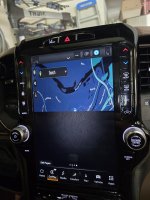
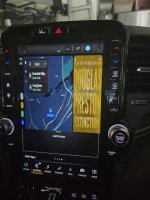
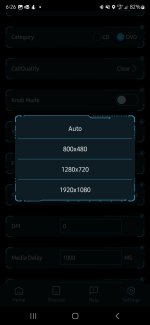
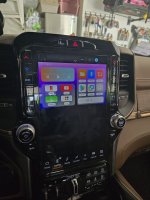
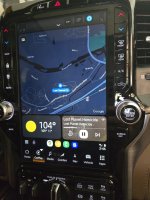
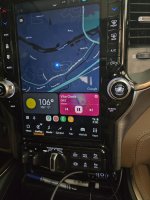
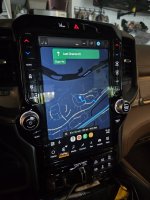
It is definitely in Carplay mode, as indicated in the icons across the bottom. This Carlinkit is barely configurable using an app called Autokitools (3rd pic). I tried forcing a portrait mode aspect but it only has landscapes and auto. I did try every ratio. All of them want to stretch the y-axis pixels, yet still only display half of them, if that makes sense. What's even stranger? Say I use 1280x720 (1st pic). Even though the map and UI displayed over the bottom half of the screen, the touches still registered as Uconnect touches. It thought I was touching a widget any time I touched the bottom half of the screen.
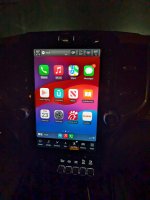
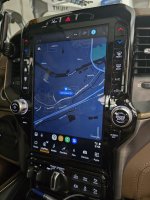
Side note, the very first initial setup screen (where it gives the Bluetooth name to connect to) is the only full portrait screen using carplay with full coverage and no stretched pixels (2nd Pic, Auto resolution). All the other forced ratios messed that screen up as well. But on "Auto" it fills it perfectly as a full screen carplay device. All they needed to do was keep that resolution the whole time after AA connects